Available now
ThorayaEdu, software for education centres.
Check-in at the door, prepaid balances, the cash drawer and WhatsApp messages to parents, on the centre’s own computer. Check-in carries on when the internet drops.
Opens in a new tab. The first time can take a while.
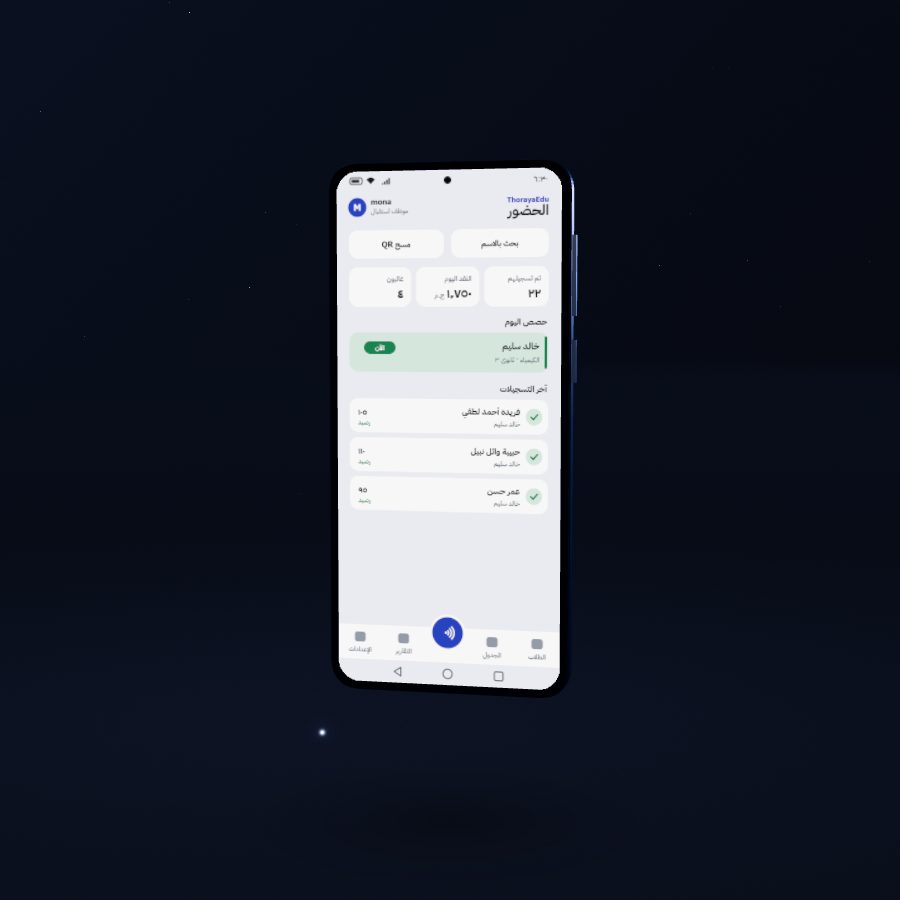
What it does in a centre’s day.
1 of 7
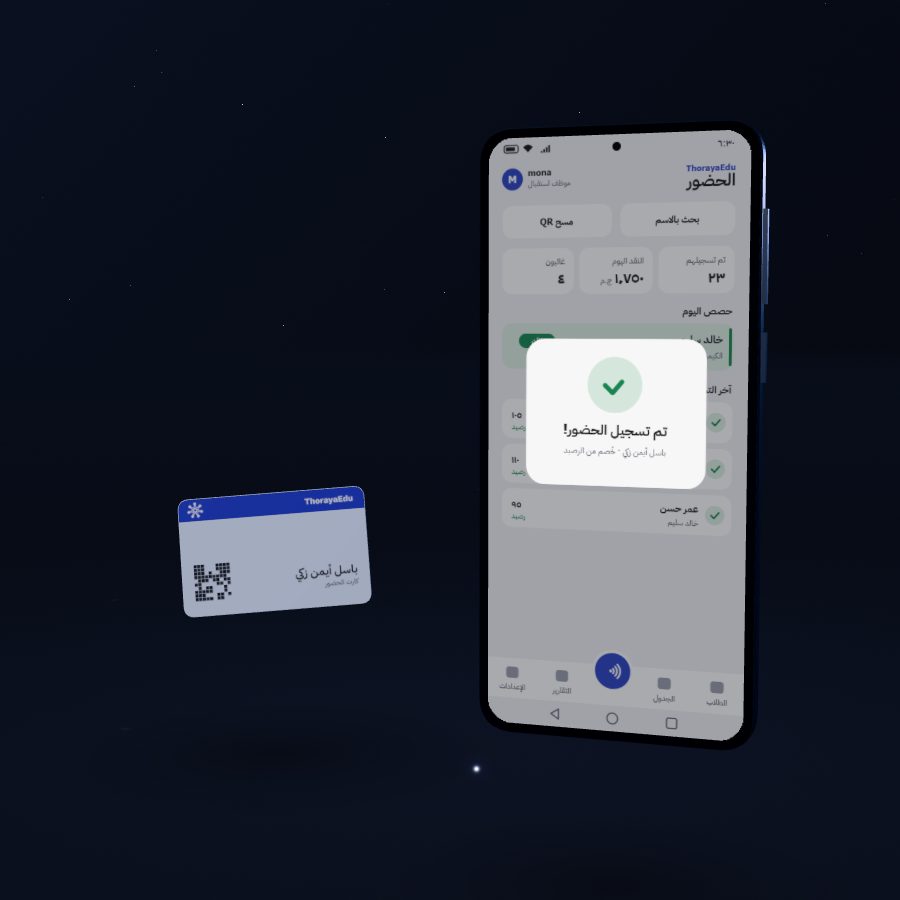
Check-in
The receptionist takes the student’s NFC card and holds it to the back of the phone, or scans their QR code, or types their name. They’re checked in, and the class comes off their balance, or is paid in cash if it doesn’t cover it.
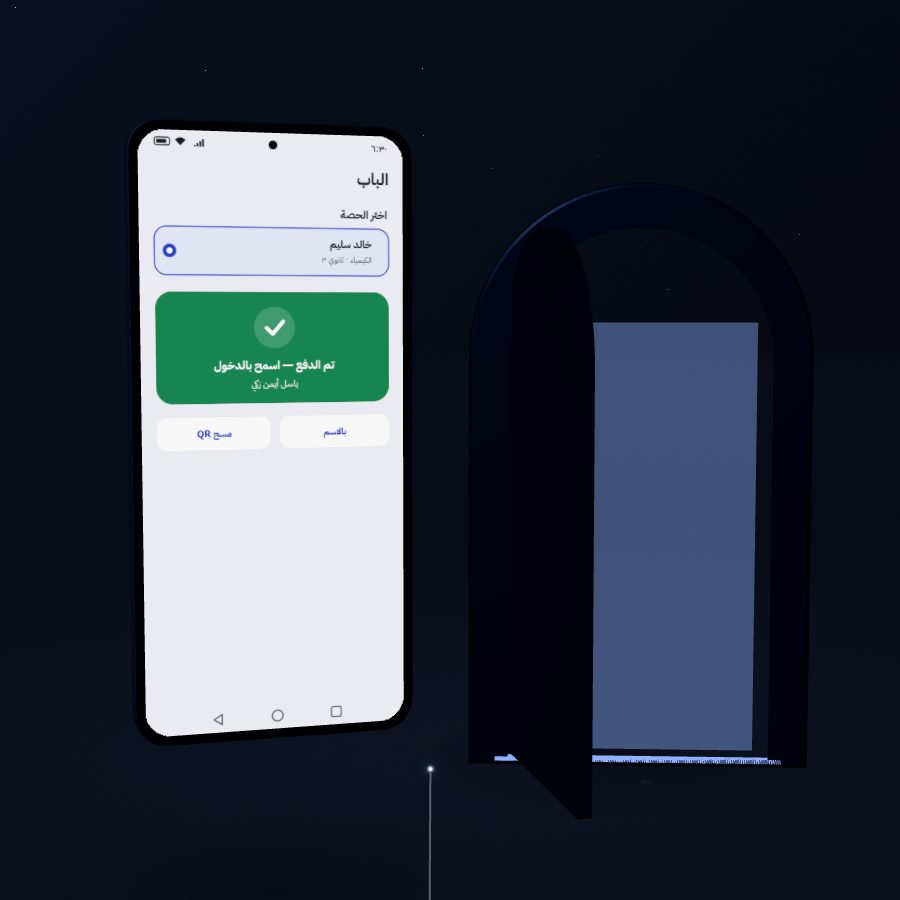
The door
Instead of paper cards, a student doesn’t get in until the software confirms they’ve paid.
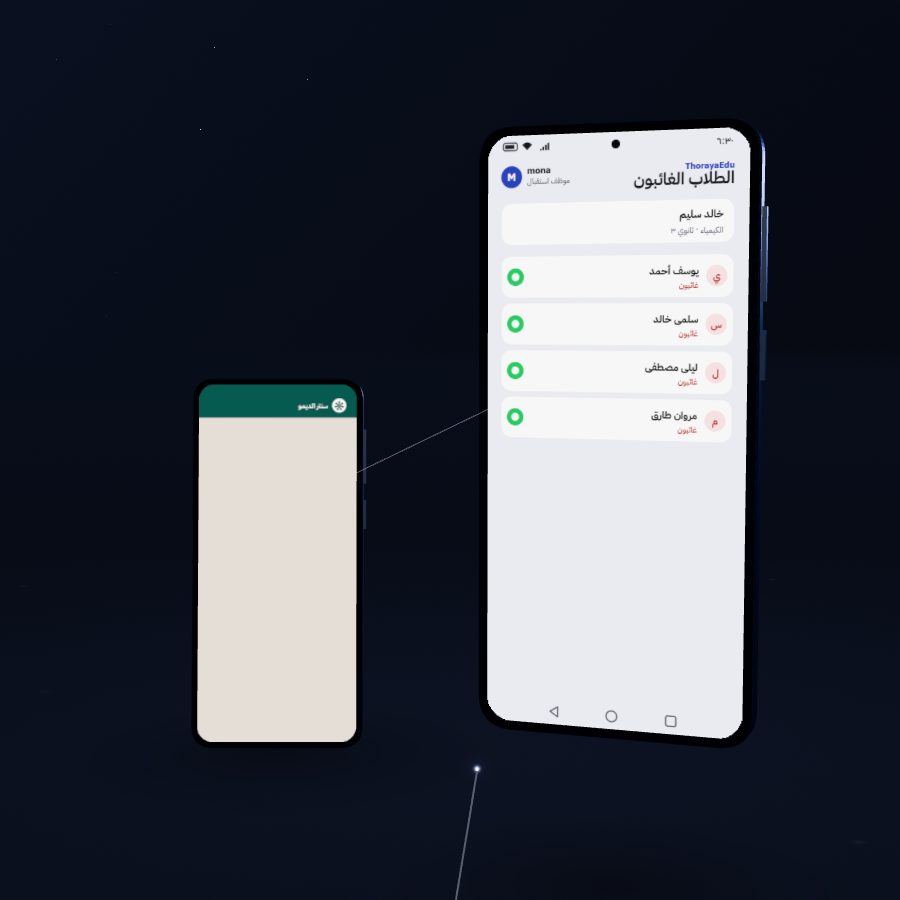
Absences
The class ends, the system knows who missed it, and it sends each parent a WhatsApp message about their own child.
Money
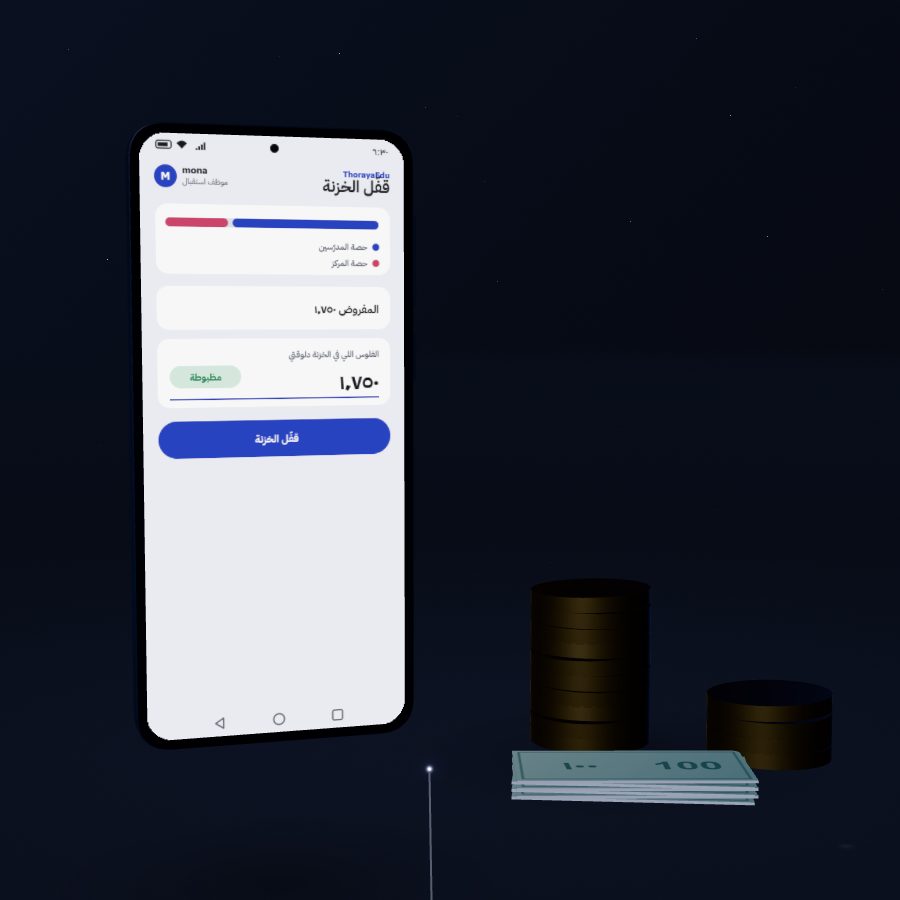
Every class splits the moment it’s paid: the teacher’s share and the centre’s cut. At closing, the drawer shows what should be in it against what was counted.
Quizzes
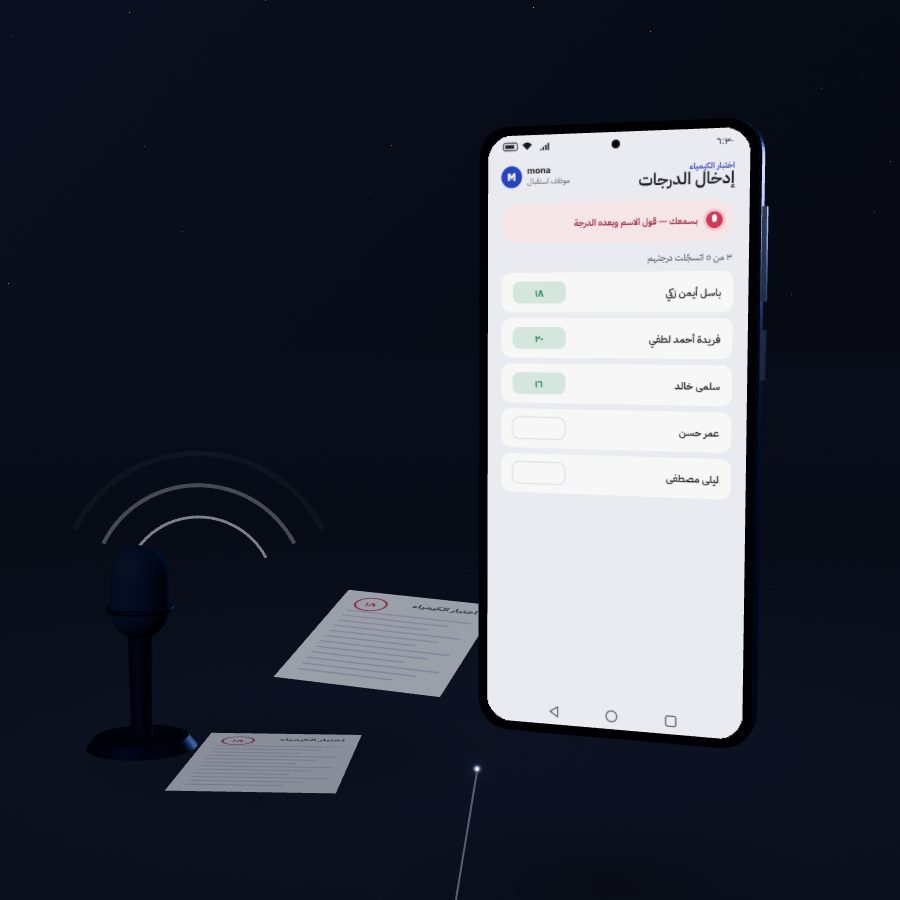
Say a student’s name and mark, and it writes itself into the sheet. When you send the results, each parent gets only their child’s mark.
End-of-day summary
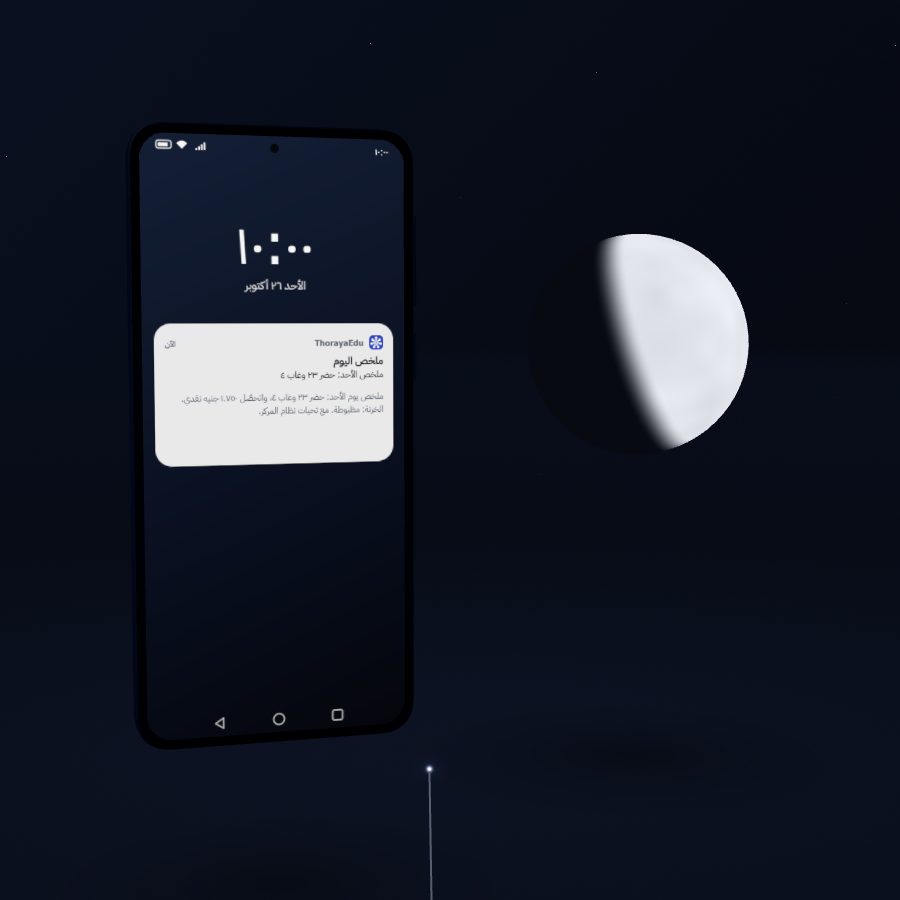
At the time you choose, the day’s summary reaches you: who came, who was absent, the money, and whether the drawer matched.
With or without the internet
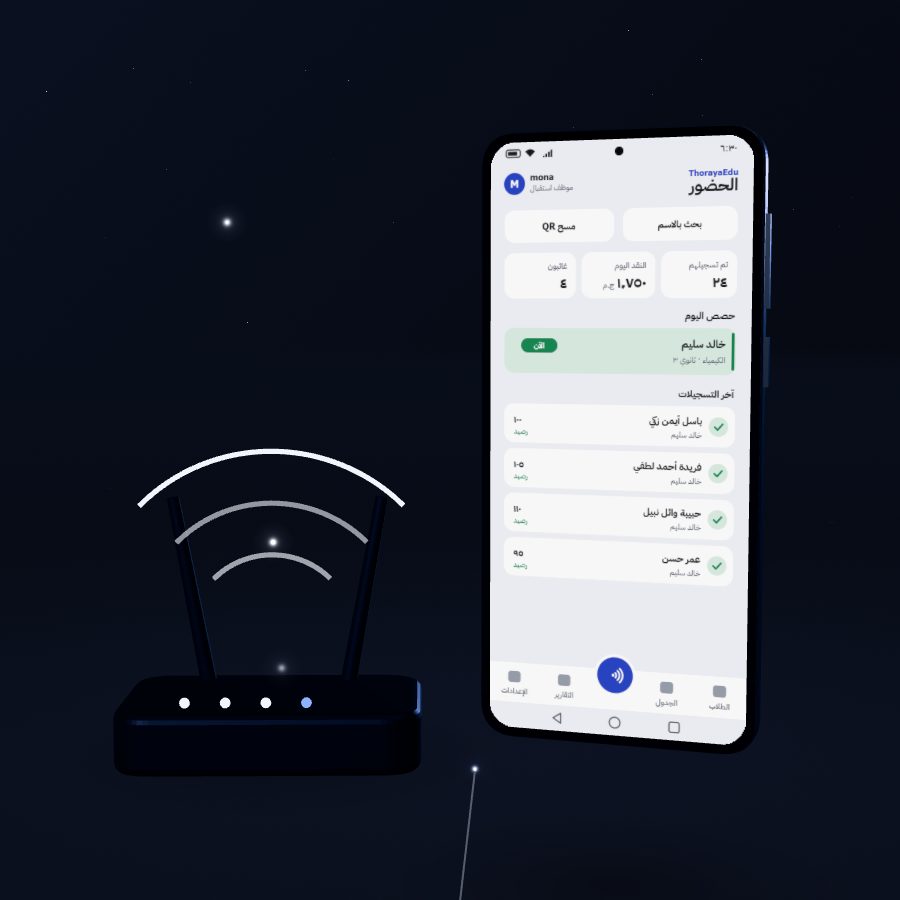
The internet drops, check-in carries on over the centre’s Wi‑Fi, and messages wait. Away from the centre, you open the same app online.
Questions about ThorayaEdu
All the questionsWhat does it cost?
Two ways, your choice: pay per use, billed at the end of each month, or a fixed monthly subscription paid at the start of the month. We agree the price with each centre, so talk to us on WhatsApp. WhatsApp messages are included in the price, at no extra cost.
How long until we’re up and running?
Within a week of our agreement, with your help. We set up the centre’s computer, the system, the backups and your centre’s own app, and move your data in from your Excel sheet.
How do I make sure no student gets in without paying?
Payment happens at reception only. At the door, a student doesn’t get in until the software confirms they’ve paid. Every scan at the door is logged with who scanned and what the door said, so no money slips away between the door and the desk.
The internet drops in the middle of the day. Does the centre stop?
No. ThorayaEdu runs on a computer inside the centre, and Android phones reach it over the Wi‑Fi without the internet, so check-ins, balances and the drawer carry on. WhatsApp messages wait for the internet to come back, and one that’s too late to be useful is dropped rather than sent late. iPhones and laptops use the app in the browser, so they need the internet.
What exactly does a parent receive?
WhatsApp messages in Arabic, about their own child only: arrival with the remaining balance, an absence once the class ends, a low balance, a quiz result, a cancelled or extra class, a welcome with your centre’s channel link, the QR code, and a note when a student stops coming. Each kind stays off until we switch it on for your centre at your request, and a parent can have the messages stopped at any time, at the desk.
Whose data is it, and where is it kept?
Your centre’s data belongs to your centre. It’s kept on the centre’s computer and on an encrypted backup flash drive at the centre. Where online backup is on, an encrypted copy is also kept online with Cloudflare: it’s encrypted on the centre’s computer before it leaves, only Thoraya holds the key, and each copy is deleted by itself within three days. The licence check sends us only the centre’s identifier and details of its computer, never anything about students or parents.
Try it yourself.
A whole demo centre with made-up data: pick your role and try it, with no sign-in. Nothing you do leaves your browser.
Opens in a new tab. The first time can take a while.
Or call: +20 100 185 8686
Or email: contact@thoraya.app